IT Is Not the Problem. The Process Is.
Your IT team is one of the most important functions in your organization. They keep your systems running, manage your security posture, support your infrastructure, and handle the endless stream of requests that keep the business operating. Leveraging contact center self-service reporting can help your IT team focus on more strategic tasks. They are good at what they do.
Contact center reporting requests are not the best use of their skills. Not because the requests are unimportant, but because they are the wrong kind of work for that team to own.
When a contact center manager needs to know how service level trended last month, that is not an IT problem. It is a data access problem. And when IT becomes the path to that data, two things happen. IT gets pulled away from the work only they can do. And the manager either waits or stops asking.
Neither outcome is good for anyone.
What the IT Reporting Cycle Actually Looks Like
The workflow is familiar to most contact center managers.
You have a question. Maybe you need trend data for a staffing conversation next week. Maybe a performance issue came up and you want to understand the pattern before you address it. Maybe leadership asked for a summary and you need numbers to back it up.
You submit a request. The request goes into the queue. IT has other priorities, because IT always has other priorities. A few days pass. The report comes back. It is close to what you needed but not quite right because the request was hard to specify precisely in a ticket. You go back and forth. By the time you have what you need, the conversation has moved on or the moment has passed.
This is not a story about IT doing a bad job. It is a story about the wrong process for the kind of question contact center managers need to answer every day.
The Questions That Stop Getting Asked
The most significant cost of this process is invisible. It is all the questions that never get asked because the friction is too high.
A supervisor notices something odd in the afternoon numbers but does not have time to submit a request, wait for a report, and follow up. So they note it mentally and move on. A manager wonders whether handle time on a specific call type is trending up but figures it is probably fine. A director wants to show leadership a six-month trend but does not want to initiate a two-week project to get the data.
Those are real decisions and real opportunities being left on the table. Not because the data does not exist, but because getting to it requires too many steps.
What Self-Service Reporting Actually Means
Self-service reporting does not mean IT is out of the picture. The best analytics setups actually serve both sides well.
IT still owns the infrastructure. IT still manages security, access controls, and the API integrations that connect your contact center platform to a reporting layer. In fact, a well-implemented self-service tool gives IT more control, not less. They set up the integration once, manage the access permissions centrally, and stop fielding ad-hoc data requests that were pulling them away from higher-priority work.
What changes is that a supervisor can pull a queue performance report without submitting a ticket. A manager can look at a six-month trend in service level before a Monday morning meeting. A director can share a performance dashboard with leadership without commissioning a project.
The questions get asked. The data gets used. Decisions get made faster and with better information. And IT gets more time to focus on the infrastructure and strategic work that genuinely requires their expertise.
What Good Self-Service Looks Like in Practice
Picture this: a manager has a staffing conversation with leadership on Monday. On Friday afternoon, she opens a dashboard, pulls six months of service level data by hour and queue, and identifies exactly where the gaps are and when they occur. She walks into Monday’s meeting with a trend chart, a per-shift breakdown, and a specific ask. She does not submit a ticket. She does not wait for a report. She has the answer before the meeting starts.
That is what self-service reporting makes possible. And it requires a few things to actually work.
The interface has to work for non-technical users. If getting to the data requires understanding database structures or writing queries, it is not self-service. It is just a different kind of bottleneck.
The data has to be current. A tool that shows data from three days ago is not useful for operational decisions.
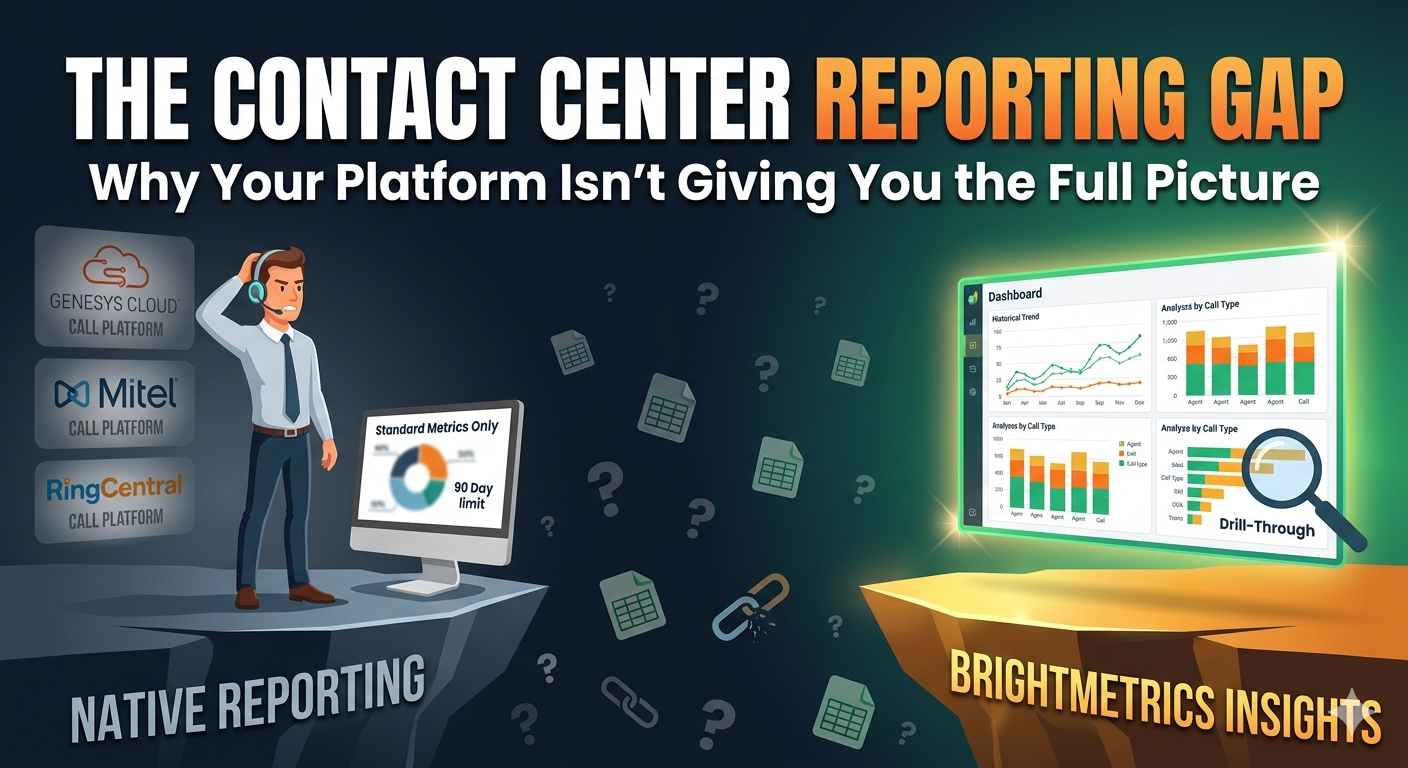
The depth has to be there. Summary metrics are starting points. Being able to drill into the detail behind them, by agent, queue, and time of day, is what makes the tool useful for understanding what is actually happening. Without that, a metric can move and you have no path to understanding why.
What to Watch Out For
Some tools claim self-service but still require IT to configure every new report type. The manager can view pre-built views but cannot explore beyond them, which means anything outside those boundaries still requires a request. That is not self-service. It is a slightly faster version of the same bottleneck.
Watch also for tools that show summary metrics but lock the detail behind another request or a separate module. If you can see that abandonment rate spiked but cannot drill into which queue, which hour, or which agents were involved, the summary number tells you something is wrong but not what to do about it.
Frequently Asked Questions
Does self-service reporting reduce IT’s role? No. IT remains essential for infrastructure, security, and system-level work. A well-implemented self-service tool gives IT API access and integration control while freeing them from low-complexity data pull requests. Most IT teams welcome that tradeoff.
Is self-service reporting secure? Yes, when implemented correctly. Role-based access controls mean each user sees only the data appropriate to their role. IT typically manages those access settings, keeping them appropriately involved without making them a bottleneck for every report.
What kinds of questions can contact center managers answer with self-service reporting? Service level trends, queue performance by time of day, agent handle time comparison, historical abandonment rate, SLA compliance over any time period, and hundreds of other operational questions. Anything that currently requires an IT request can typically be answered in minutes with the right tool.
The Bottom Line
IT is not the problem. The process of routing every reporting request through IT is the problem. And the fix is not asking IT to work faster. It is giving contact center managers direct access to the data they need for the decisions they make every day, while keeping IT in control of the infrastructure and governance that requires their expertise.
Brightmetrics is built to serve both. IT gets API integration and access management. Contact center managers get fast, self-service analytics they can run and modify themselves without a queue. The data your platform already captures becomes accessible to the people who need it, without a ticket, without a wait, and without requiring anyone to become a data analyst.